
Home
Take your studio to the next level
Studio Operation Management System
Studio Mate is optimized for the
Chrome browser.
Please use it through the Chrome browser.
Service Introduction

Average Monthly Visitors
0

All Facilities
0

Average Monthly Bookings
0

Cumulative Members
0
Main features
Class Reservations
For Members and
Administrators
Made Smarter
No more hassle of booking via Phone or Messenger!
With the dedicated app for members
and administrators, you can check class status
anytime, anywhere in real time and
manage reservations all in one place.


Class Schedule – From
Booking to Cancellation,
All in One
You can view your class schedule in real time,
including Booked, Pending, Cancelled, and Cancelled by
Studio classes, all in one place. From there, you can easily book or cancel any class you want.

Easily access class details and enrolled members
Managing group classes can be tricky – are you still using
paper or Excel? From class registration to the list of enrolled
members for each class, everything can be viewed easily.
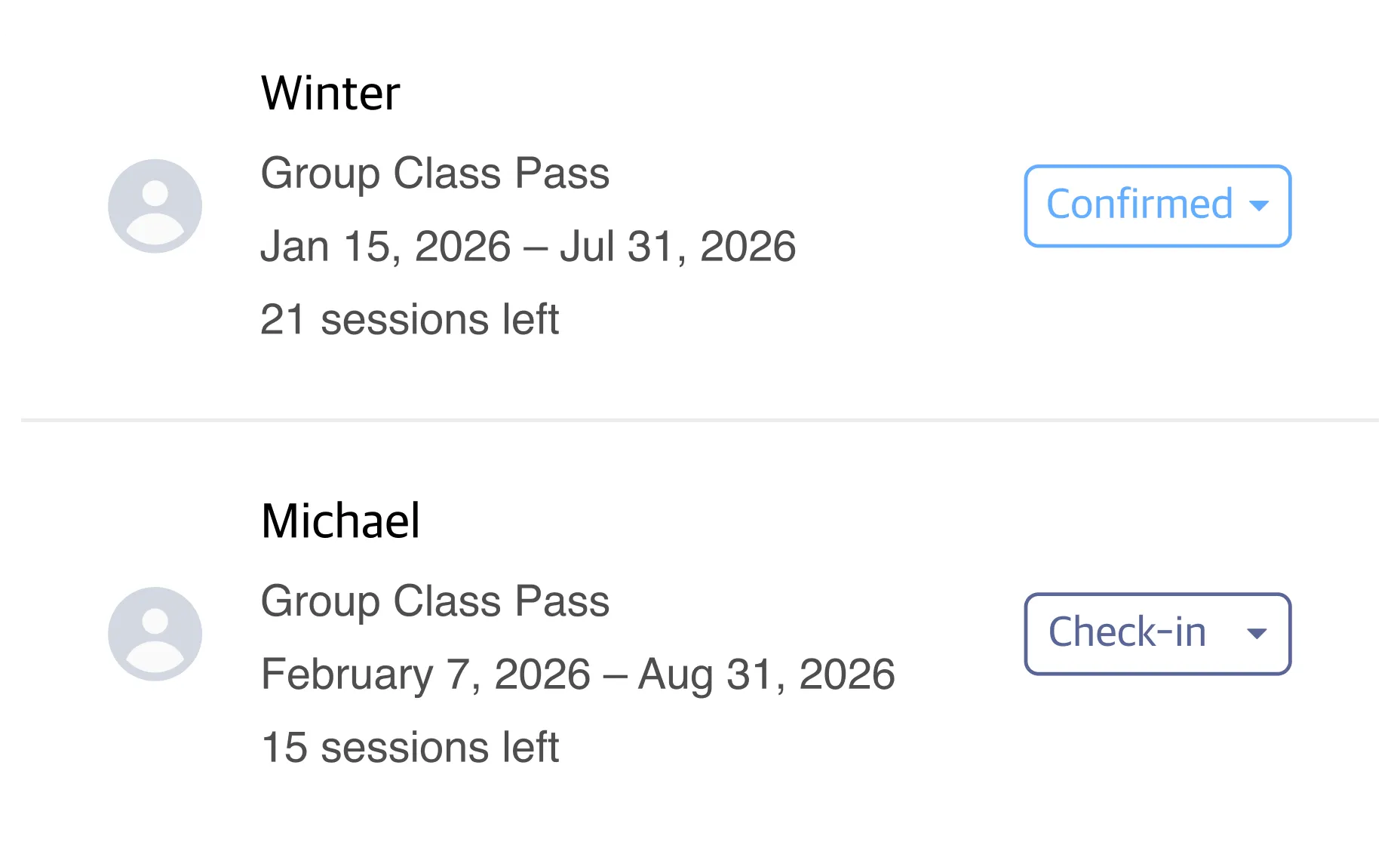
Easily create and manage
class passes
From private to group classes,
set specific types to sell and manage your passes more effectively!

Even complex member management
made easy
You can view the member list based on your desired criteria, and check each member’s class pass purchase history and usage records.

Set operational policies
systematically

Set Business & Working Hours
You can set facility business hours and instructors’ working hours by day and time. You can also save and manage schedules for special days including holidays and other specific dates

Operational Settings
You can configure class booking–related settings such as reservations, cancellations, and same-day booking changes. You can also manage other operational settings including the notice board, lockers, check-in, and automatic tracking of outstanding payments.

Role-Based Access Control
Studio owners can assign administrative roles such as managers and instructors, and set feature access permissions for each role.

Sales & Points Management
Through the sales page, you can view overall revenue from class passes, classes, and more, along with point histories at a glance. You can also manage them systematically with detailed reports.
Partners
Official Partner Brands
We provide better services through partnerships with trusted and verified brands.


Born from deep research and a strong focus on
user experience, fonv sets a new premium
standard for Pilates equipment.


An official Samsung Electronics online store
designed exclusively for business customers,
with a variety of special benefits.